
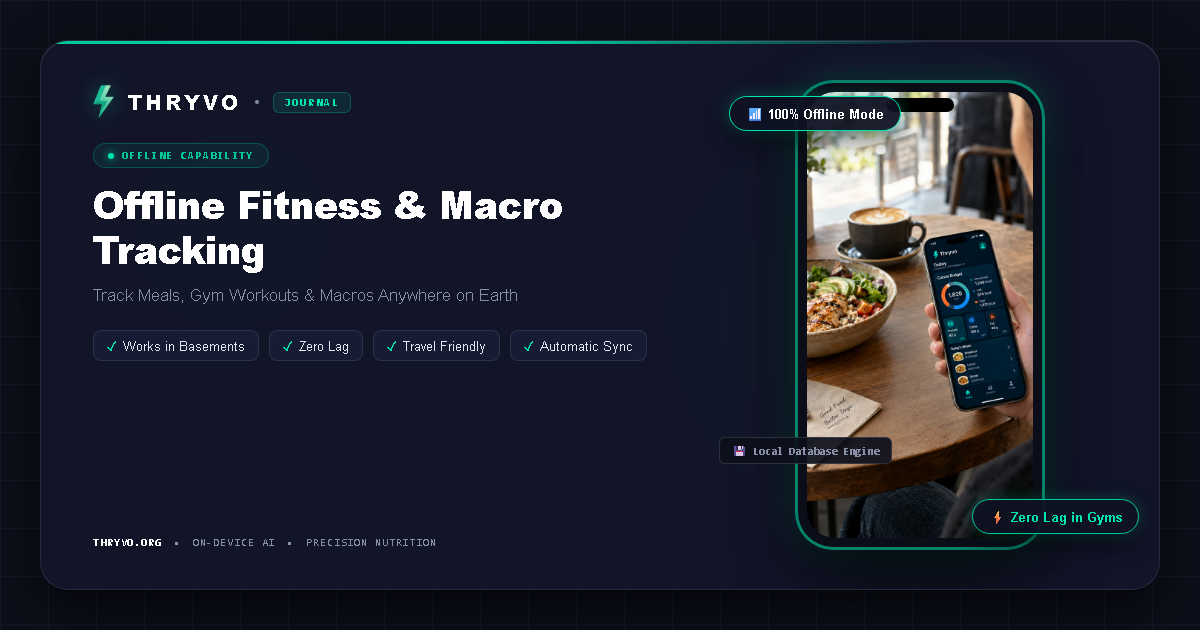
A fitness app often gets used in exactly the places where internet connections are unreliable: crowded gyms, basements, hiking areas, airports, or while traveling internationally. That is why offline fitness app searches are more practical than they may sound.
Offline support does not mean every feature works without a connection. It means the app can keep its most important workflows available locally instead of stopping whenever the network disappears.
Which fitness features can work offline?
Workout logging
Sets, repetitions, exercise names, notes, and timers can all be stored locally and synchronized later.
Water and habit tracking
Simple counters and streaks generally do not require a live server connection for every entry.
On-device posture analysis
If the AI model is installed on the phone, camera-based movement analysis can run locally. This is one of the clearest use cases for on-device machine learning.
Food photo recognition
Some recognition can run locally, although complete nutrition matching may require a local database or later synchronization depending on the app’s architecture.
Progress dashboards
Previously stored data can be summarized without internet access if the relevant history is available on the device.
What usually still needs a connection?
Account creation, app updates, cloud backups, cross-device synchronization, remote databases, social features, and some analytics typically need internet access. An app may therefore be “offline-friendly” rather than completely offline.
The useful question is: Can I still complete my core fitness routine without a signal?
Why offline AI is different
Traditional cloud AI sends an input to a remote server and waits for a result. On-device AI keeps the model on the phone and performs inference locally.
For real-time posture coaching, this can remove the round trip to a server. That matters because workout feedback needs to feel immediate. It also reduces the amount of raw camera data that needs to travel over the network.
Thryvo says its posture analysis uses on-device computer vision, and its support information emphasizes local processing and free access to core AI features.
Offline tracking for travel
Travel can disrupt normal routines. Data roaming may be expensive, Wi-Fi may be unreliable, and food may be unfamiliar. An offline-friendly tracker lets you keep logging and sync later.
The best travel setup is simple: download the app and updates before leaving, make sure you can open your usual workflows in airplane mode, and understand which functions will be delayed until reconnection.
Offline tracking inside a gym
Many gyms have poor reception because of building materials or location. If your workout timer, exercise log, or camera coach freezes when Wi-Fi drops, the feature becomes difficult to trust.
A local-first approach can make the workout experience more resilient. Even when cloud synchronization is useful, it should not have to interrupt the current set.
Privacy and offline design often overlap
A product that performs camera analysis locally can provide two benefits at once: lower network dependence and less raw media transmission. That does not mean the app collects no data, but it changes the architecture of the most sensitive real-time workflow.
How to test whether an app is truly offline-friendly
Turn on airplane mode and open the app. Try logging a meal, starting a workout, viewing your dashboard, and using any camera-based coaching feature. Note which parts work and which show an error.
Then reconnect and check whether locally stored entries synchronize correctly.
Frequently asked questions
Can a calorie tracker work without internet?
Basic logging can work offline if the app stores entries and relevant food data locally. Database search and synchronization may still require connectivity.
Can AI work offline on a phone?
Yes. If the model is designed to run on-device, inference can happen without contacting a remote server.
Why would I need an offline workout form checker?
Real-time form feedback is most useful during the exercise itself. Local processing can reduce dependence on gym Wi-Fi or mobile reception.
Bottom line
An offline fitness app is not only for remote travel. It is useful anywhere connectivity is inconsistent. The strongest offline design keeps the core routine—logging, timers, progress, and selected AI features—usable first, then synchronizes secondary services when the connection returns.
Thryvo is building an on-device AI fitness app designed to keep core food and workout experiences available with minimal dependence on cloud processing.
Sources and editorial notes
- Thryvo Support: https://thryvo.org/support.html (free-forever positioning, planned device support, on-device posture processing)
- Thryvo: https://thryvo.org/
- MyFitnessPal Free/Premium/Premium+ comparison: https://support.myfitnesspal.com/hc/en-us/articles/34889191368077-The-difference-between-Free-Premium-and-Premium
- MyFitnessPal Meal Scanner: https://support.myfitnesspal.com/hc/en-us/articles/360045761612-How-to-use-the-Meal-Scanner
- MyFitnessPal Barcode Scanner: https://support.myfitnesspal.com/hc/en-us/articles/360032624771-How-to-use-the-Barcode-Scanner
- Cal AI App Store listing: https://apps.apple.com/us/app/cal-ai-calorie-tracker/id6480417616
Health note: This article is educational and is not medical or individualized nutrition advice. AI food estimates, app calculations, and camera-based form feedback can be imperfect.