
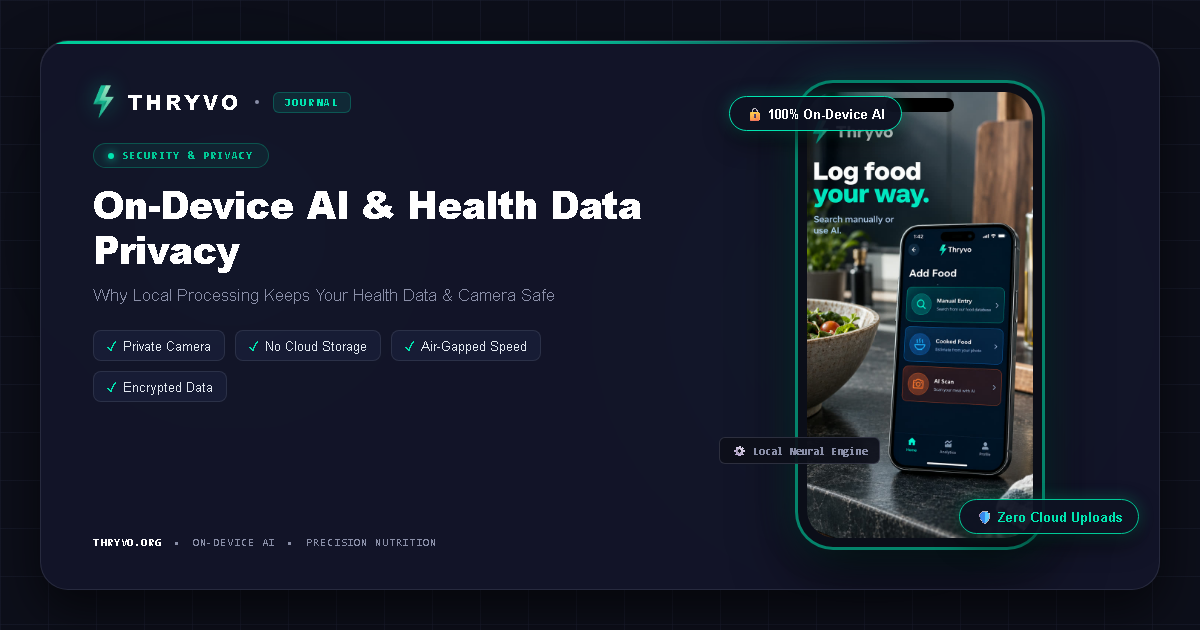
Fitness apps increasingly use cameras and AI to recognize food, analyze movement, count repetitions, or provide form feedback. That creates a simple privacy question: where does the analysis happen?
An on-device AI fitness app performs some or all of its machine-learning processing directly on the phone rather than sending raw input to a remote server for every inference.
For camera-based fitness features, that architecture can meaningfully change what data needs to leave the device.
What “on-device AI” means
A machine-learning model can be packaged with an app and run using the phone’s processor, GPU, or dedicated neural hardware. When the user opens the camera, the app can analyze frames locally and return a result without uploading the full video stream.
That does not automatically mean the entire app is offline or that no data is ever transmitted. Accounts, analytics, backups, crash reporting, updates, and optional cloud services may still use the internet. The phrase should therefore be evaluated feature by feature.
Why local processing matters for workout video
A posture-analysis tool needs visual information about body position. If analysis runs in the cloud, camera frames usually need to be transmitted to a server. If analysis runs locally, the model can extract body landmarks and provide feedback without sending the raw video for processing.
Thryvo says its posture detection works this way: the model maps body landmarks and joint alignment locally on the device, and workout video is not streamed to Thryvo’s servers.
For privacy-conscious users, that is a straightforward benefit: less raw camera data needs to travel across the network.
On-device AI can also improve offline use
If the model is already on the phone, some AI features can continue working when connectivity is poor. This can be useful in a gym basement, while traveling, or in places with expensive mobile data.
Thryvo’s support information says its core AI functions are designed around local processing and offline availability. Users should still check current release documentation because offline behavior can vary by feature.
Other benefits of local inference
Lower latency
A local model does not have to wait for an upload, server processing, and a download before responding. That can make real-time form feedback feel more immediate.
Reduced bandwidth
Continuous camera data can be large. Processing on the phone can reduce how much data is transmitted.
More predictable camera privacy
A clearly documented local-processing workflow is easier for users to reason about than a system that continuously sends video to remote infrastructure.
Trade-offs of on-device AI
Local AI is not automatically better in every situation. Phones have limited memory and battery. Smaller models may be required. Older devices may run models more slowly. Cloud systems can sometimes use much larger models and update them centrally.
This is why product design matters. Developers need to balance model quality, battery use, speed, device support, and privacy.
Questions to ask any camera-based fitness app
Before enabling camera access, look for direct answers to these questions:
- Is raw video uploaded for AI processing?
- Is video stored after analysis?
- Can the feature work without internet access?
- What information is saved in the user account?
- Can you delete your account and associated data?
- Are analytics or crash-reporting services used?
- Does the product explain its camera permissions in plain language?
A privacy policy is important, but a feature-specific explanation is often easier to understand.
On-device AI for food photos
Food recognition can also use local models, although the implementation can differ from posture detection. Photo analysis may involve recognition, portion estimation, or nutrition matching. Some parts can run locally while others use a remote database.
Do not assume that one local AI feature means every feature uses identical architecture. Check the product documentation for each workflow.
Frequently asked questions
Does on-device AI mean no data is collected?
No. It specifically describes where AI inference happens. An app may still collect account, usage, diagnostics, or other data for different purposes.
Is on-device AI more private?
It can reduce the need to send raw inputs such as video to a remote server. Overall privacy still depends on the app’s complete data practices.
Does on-device AI work offline?
Often it can, but only if the required model and supporting data are stored locally. Check the specific feature documentation.
Why is local AI useful for exercise form feedback?
Real-time feedback benefits from low latency, and keeping camera analysis local can reduce network dependence and raw-video transmission.
Bottom line
For camera-based fitness products, on-device AI is more than a technical buzzword. It affects latency, connectivity, bandwidth, and the amount of raw camera data that needs to leave the phone.
Thryvo is building its AI fitness experience around local processing, with a free product that combines posture feedback, meal scanning, and everyday tracking.
Sources and editorial notes
- Thryvo Support: https://thryvo.org/support.html (free-forever positioning, planned device support, on-device posture processing)
- Thryvo: https://thryvo.org/
- MyFitnessPal Free/Premium/Premium+ comparison: https://support.myfitnesspal.com/hc/en-us/articles/34889191368077-The-difference-between-Free-Premium-and-Premium
- MyFitnessPal Meal Scanner: https://support.myfitnesspal.com/hc/en-us/articles/360045761612-How-to-use-the-Meal-Scanner
- MyFitnessPal Barcode Scanner: https://support.myfitnesspal.com/hc/en-us/articles/360032624771-How-to-use-the-Barcode-Scanner
- Cal AI App Store listing: https://apps.apple.com/us/app/cal-ai-calorie-tracker/id6480417616
Health note: This article is educational and is not medical or individualized nutrition advice. AI food estimates, app calculations, and camera-based form feedback can be imperfect.